Tap2Color
The coloring app for iPad

Infinite colors at your fingertips.

Tap to color beautiful artwork with vivid palettes, gradients, and patterns.

Coming soon to the App Store · iPad
How it works

From blank to beautiful in seconds!

No brushes, no stylus, no learning curve. Just three simple steps between you and a finished piece.

1

Pick an artwork

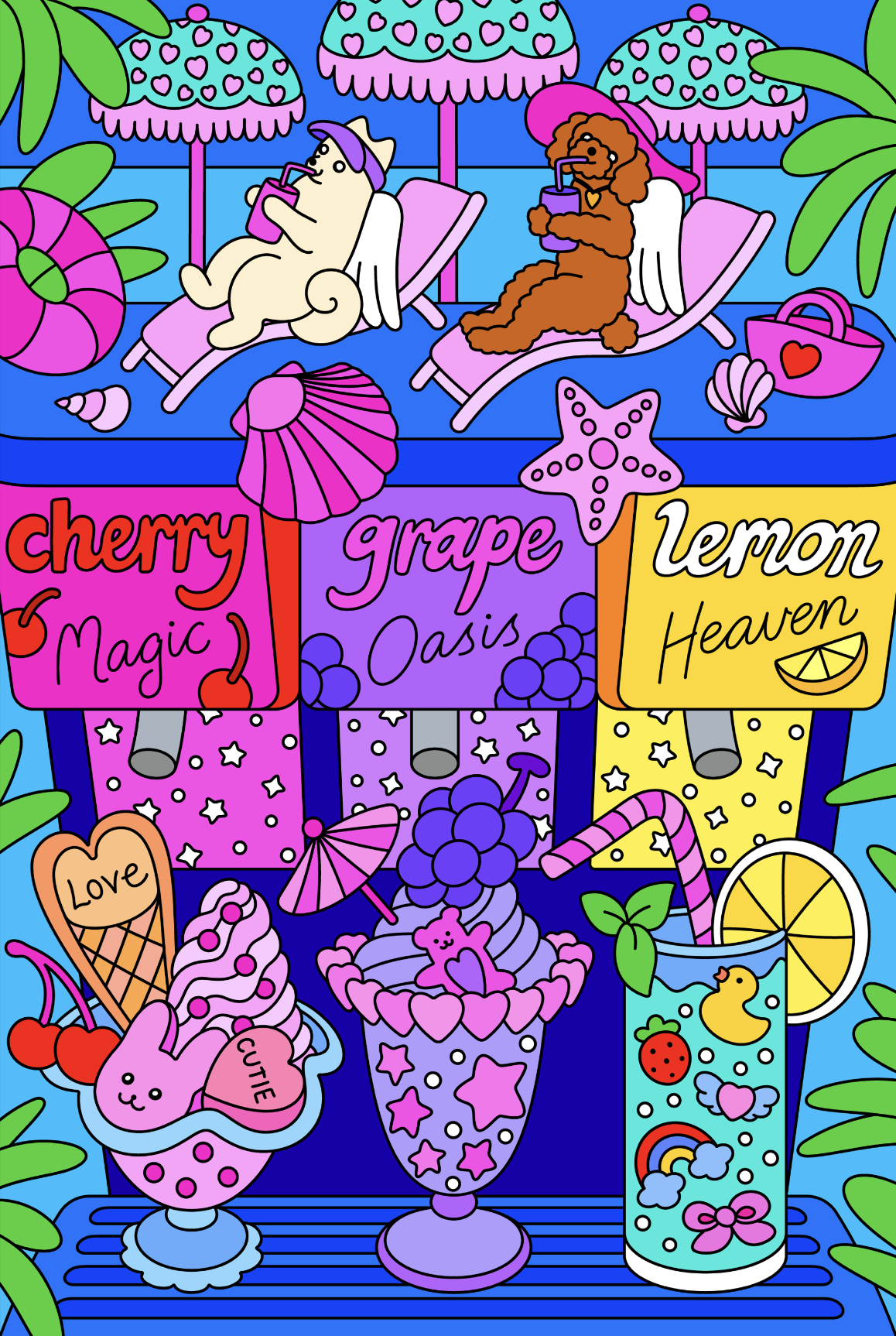
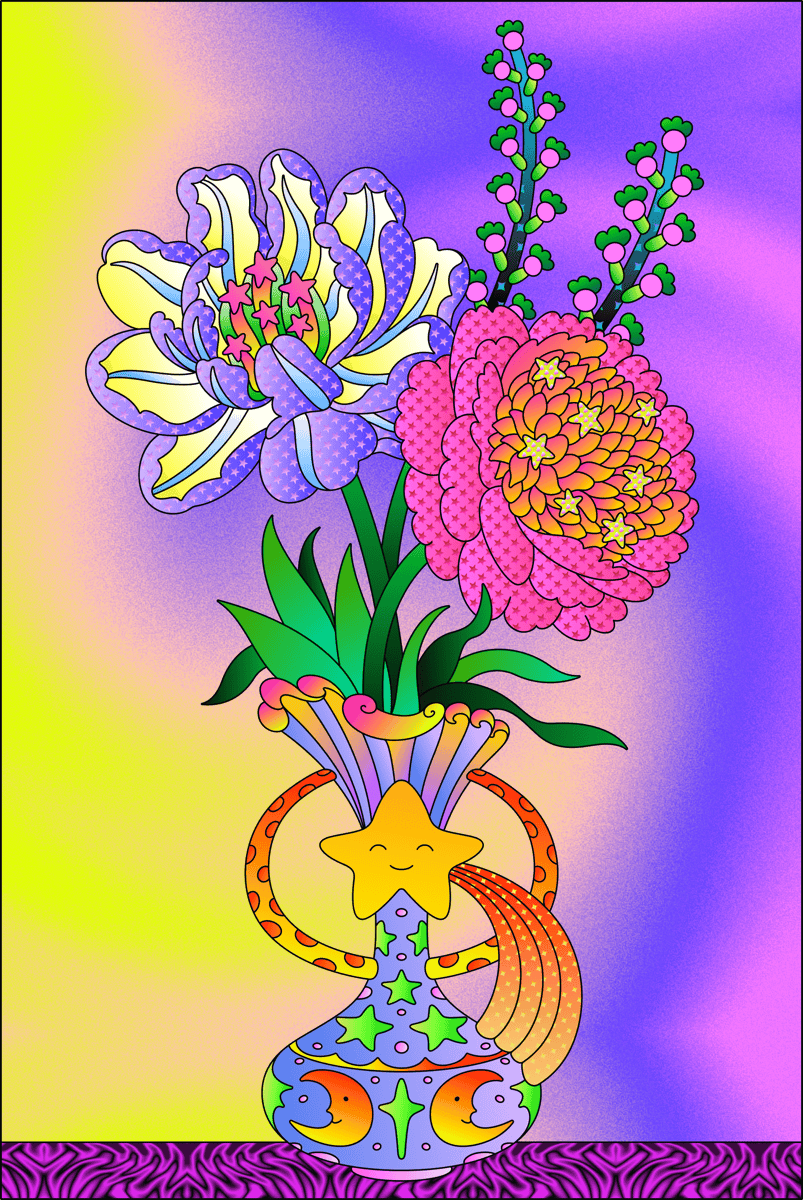
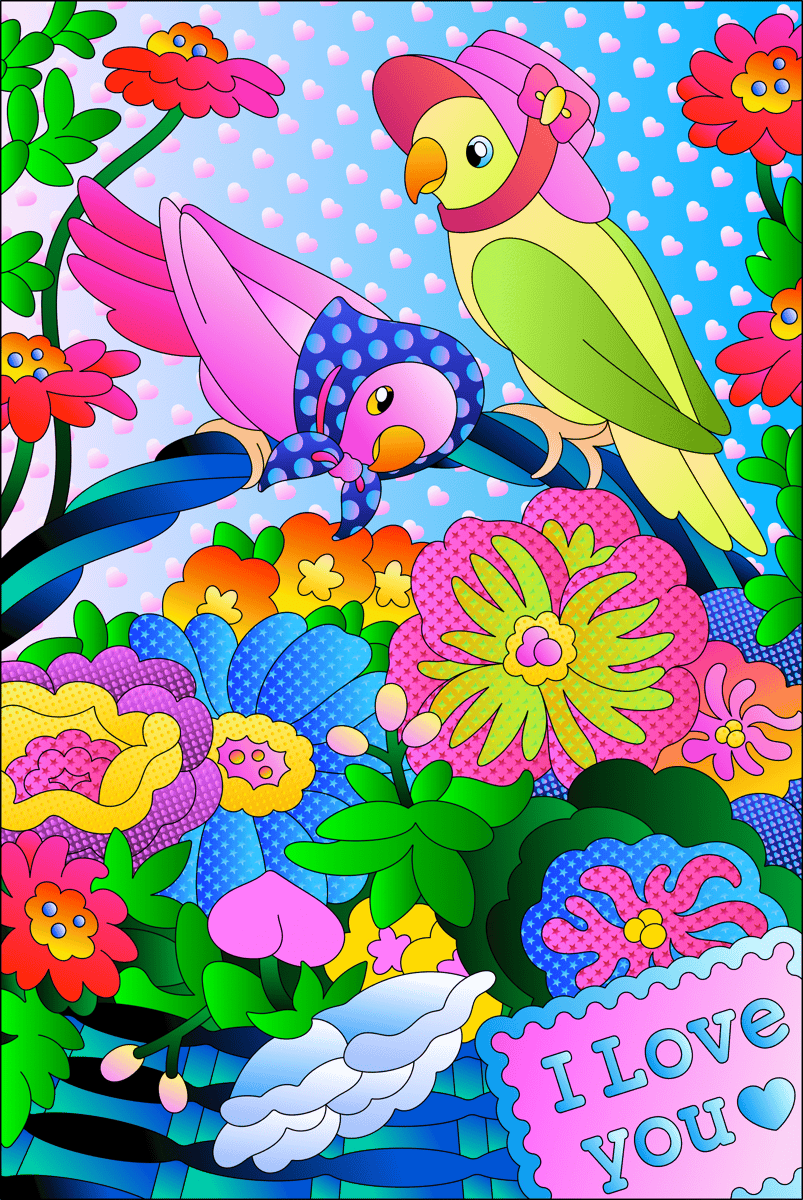
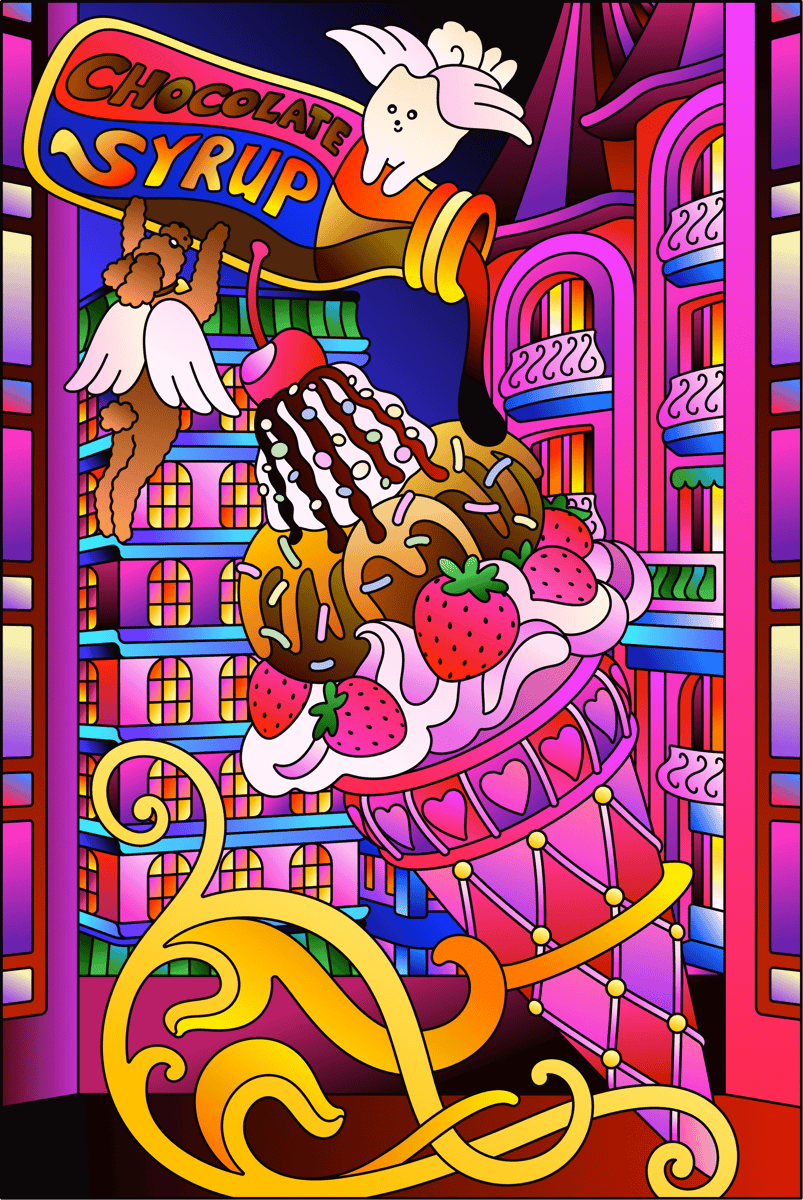
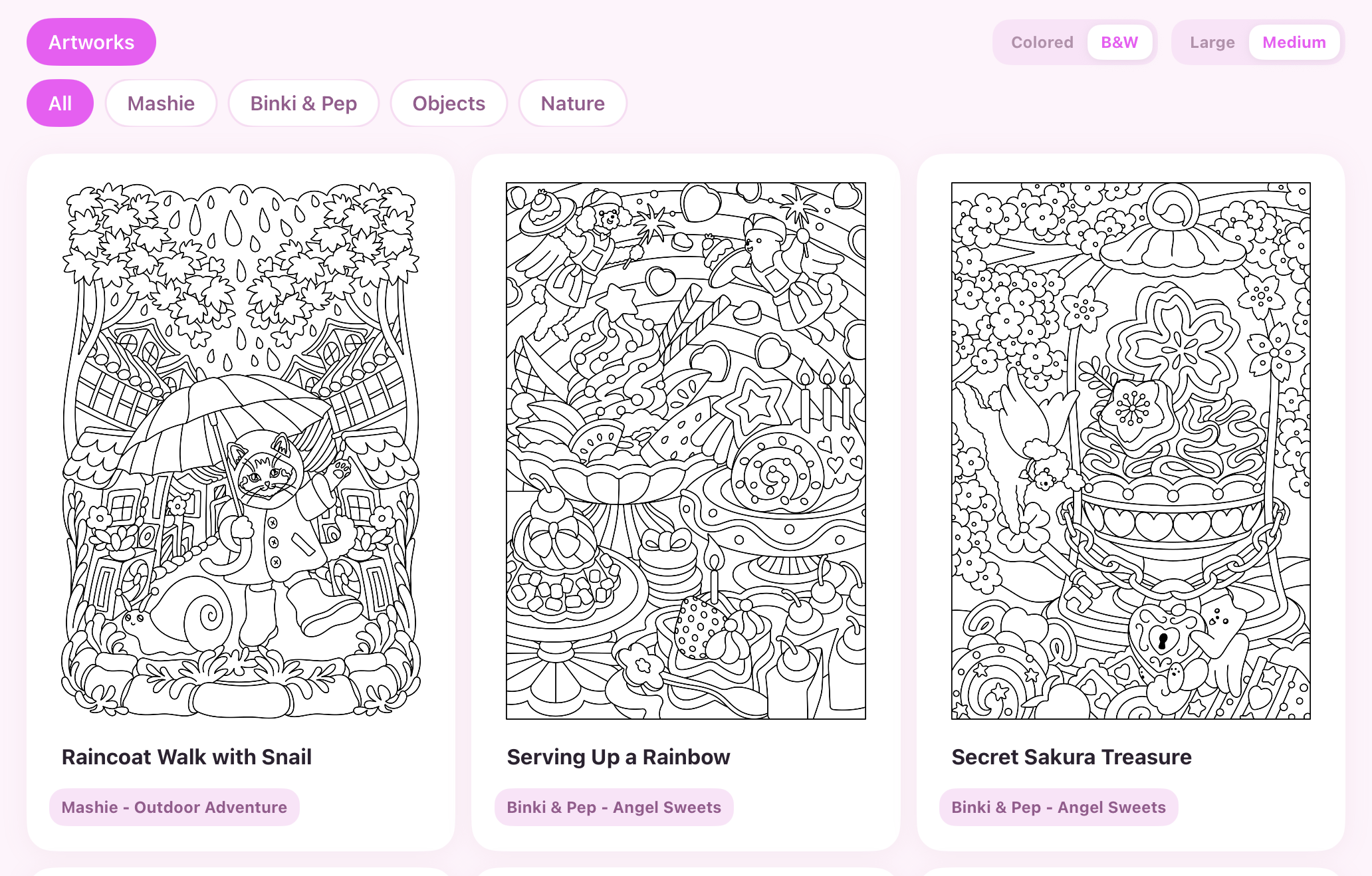
Browse a growing library of cute, high-quality illustrations, and pick the one you want to bring to life.

2

Tap to color

Choose or make a color palette, then tap to fill any region with solid color, gradients, or patterns, exactly the way you want.

3

Remix into new variations

Duplicate a finished piece and recolor it into as many variations as your heart desires.

Human Made Art

Human made art from sketch to finished work

Every illustration is hand-drawn by a real artist, then made ready for you to color in the Tap2Color app.

Rough Sketch

Vector Lines

Vector Lines

Finished Art

Finished Art

Features

Everything you need to color exactly the way you imagine

From your first tap to a finished collection, here's what's inside.
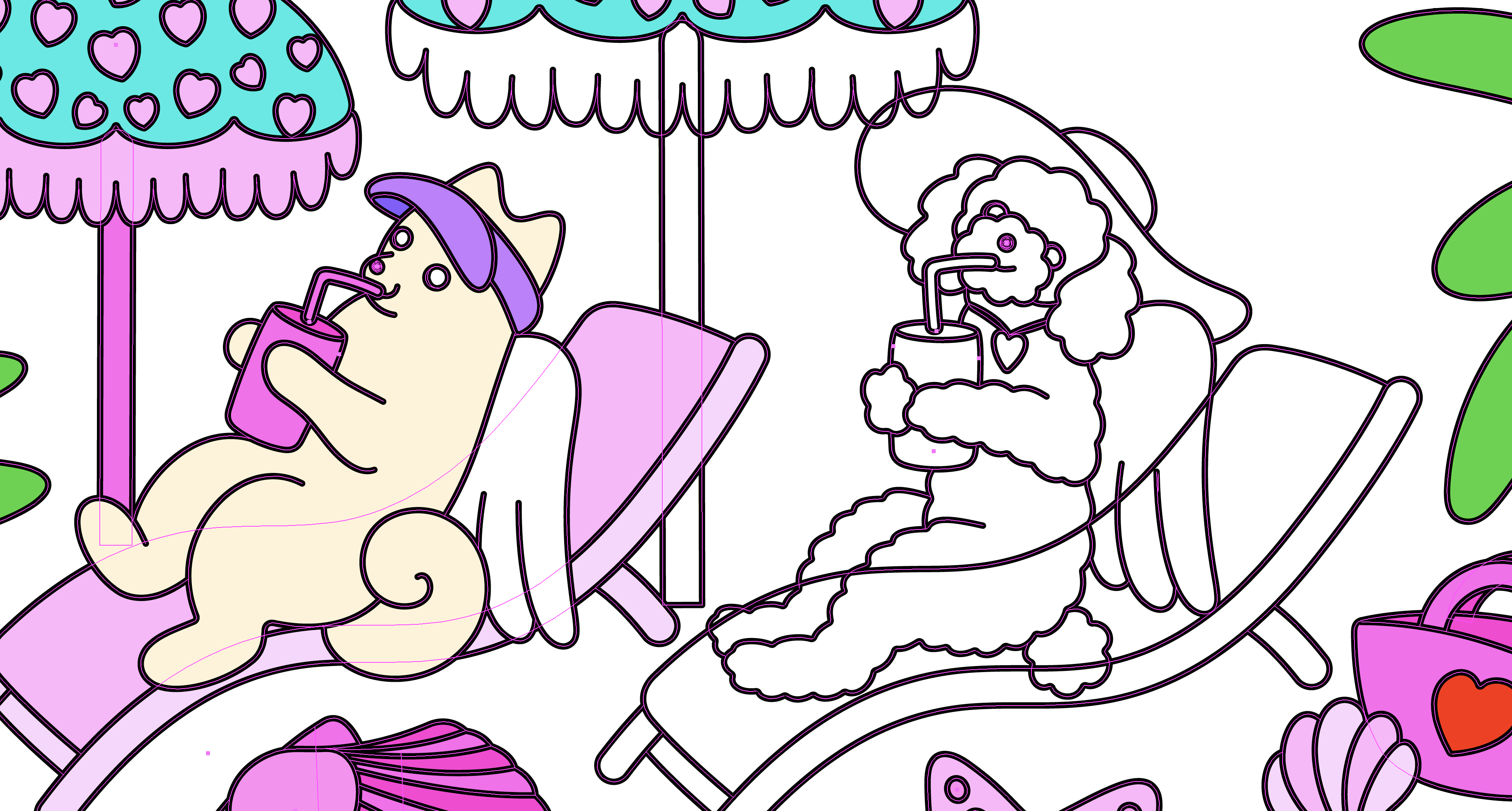
Library

Browse

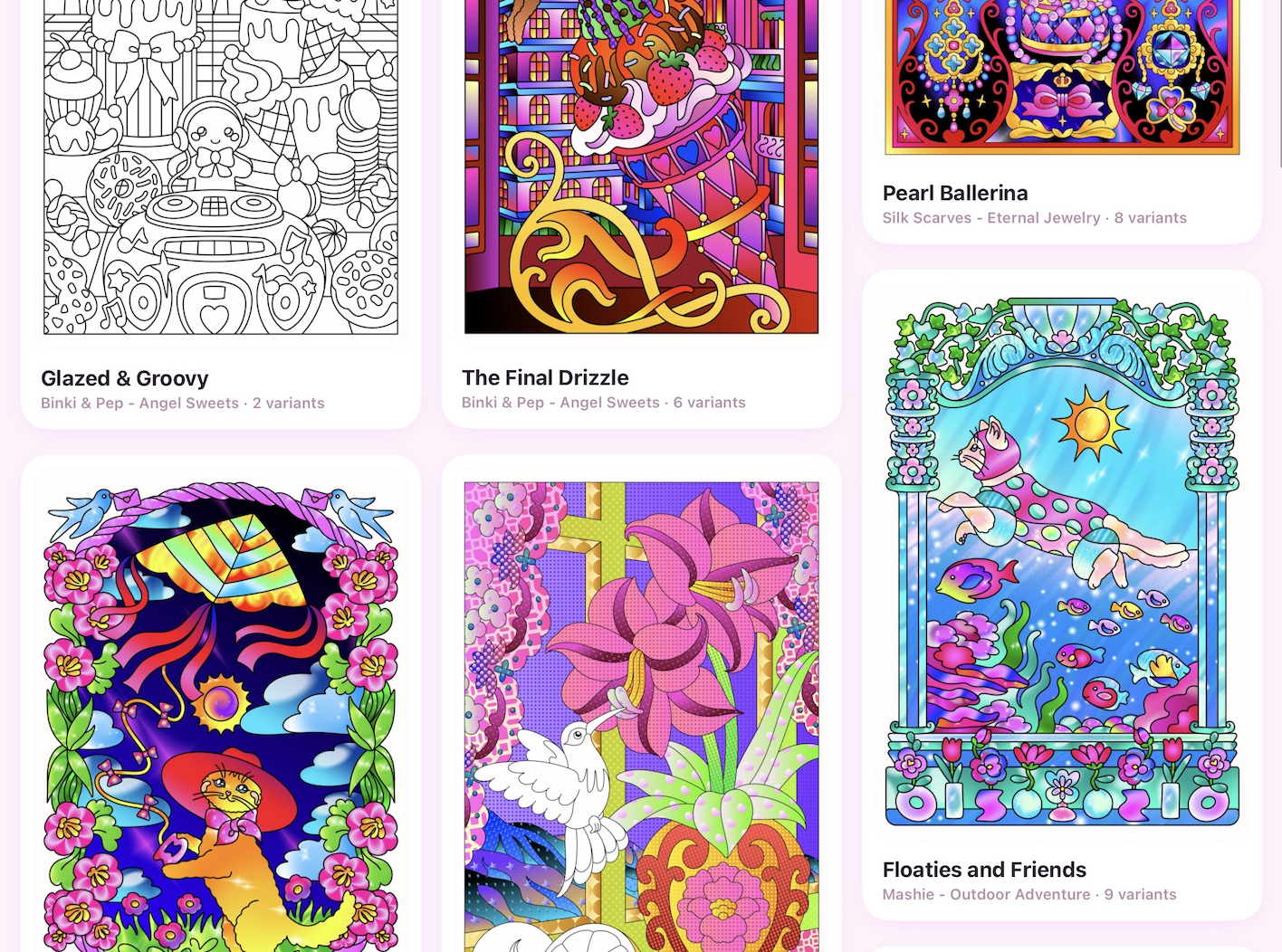
Every illustration is thoughtfully drawn and curated, cute, characterful, and made to look beautiful the moment you start coloring. Your subscription unlocks the whole library, so you can dive into any piece that speaks to you.

Gallery

Gallery

Every piece you color lives in your personal gallery. Revisit your work anytime, pick up where you left off, and watch your own collection grow over time.

Variations

Variations

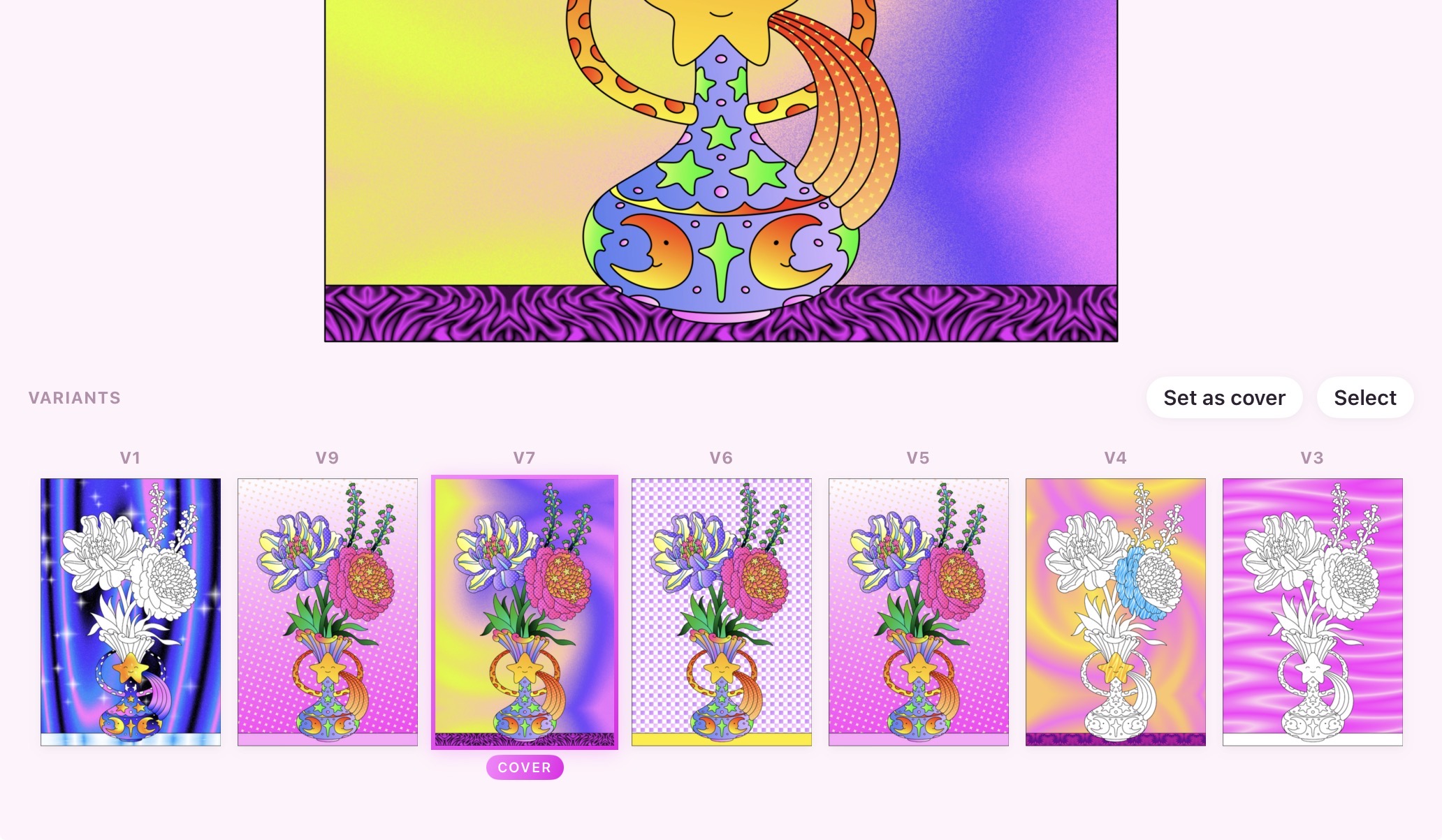
Duplicate any piece and recolor it into as many variations as your heart desires. Each variation is saved separately, so you can explore new palettes without ever losing the one before.

Pattern Maker

Pattern Maker

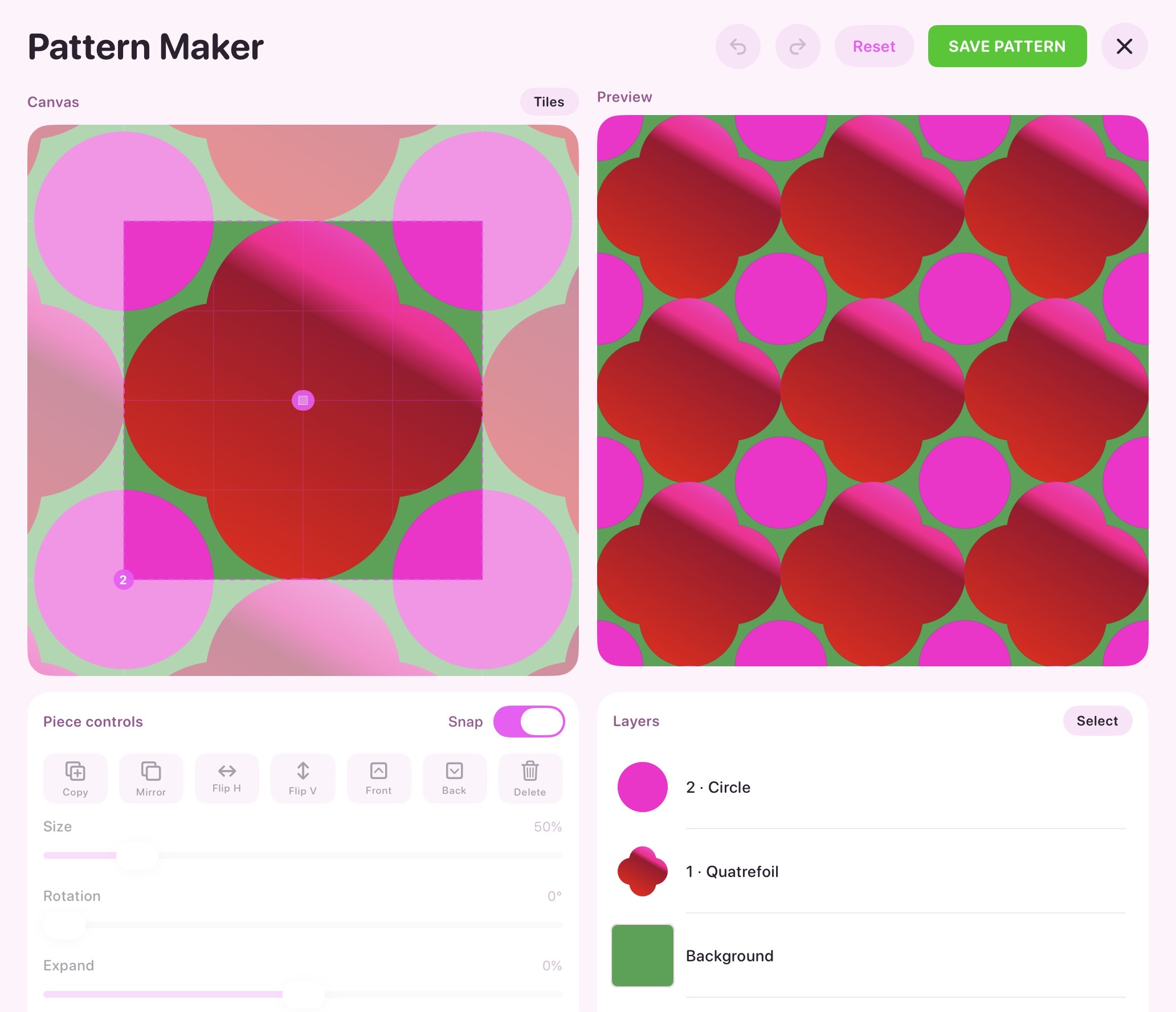
Design your own repeating patterns from scratch. Arrange shapes on the canvas, mirror and flip them, then tile them into seamless designs you can pour into any region.

Gradient Maker

Gradient Maker

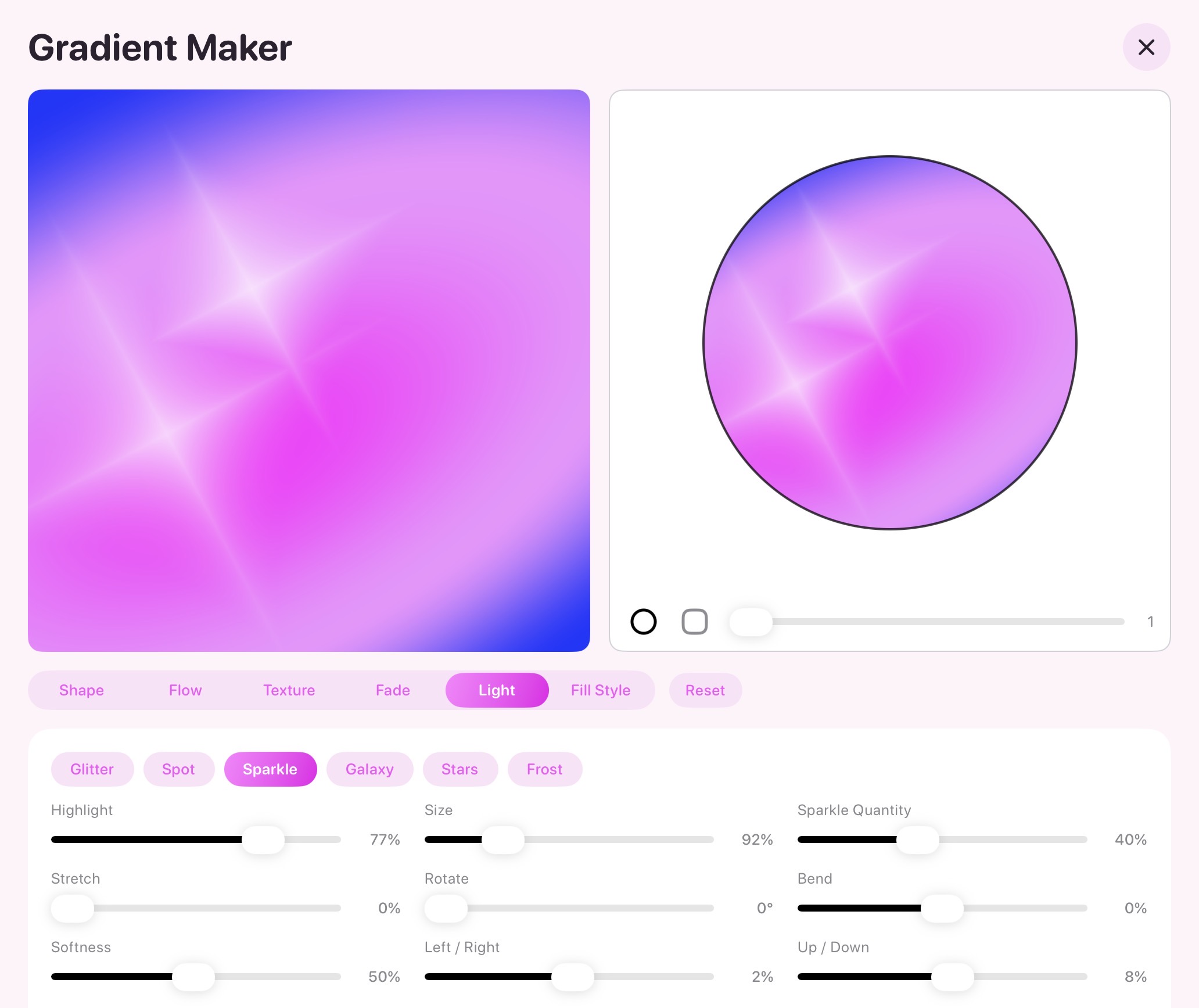
Craft custom gradients with full control over shape, flow, texture, and light. Shape the exact glow you want, then fill any area with it.

Collections

Collections

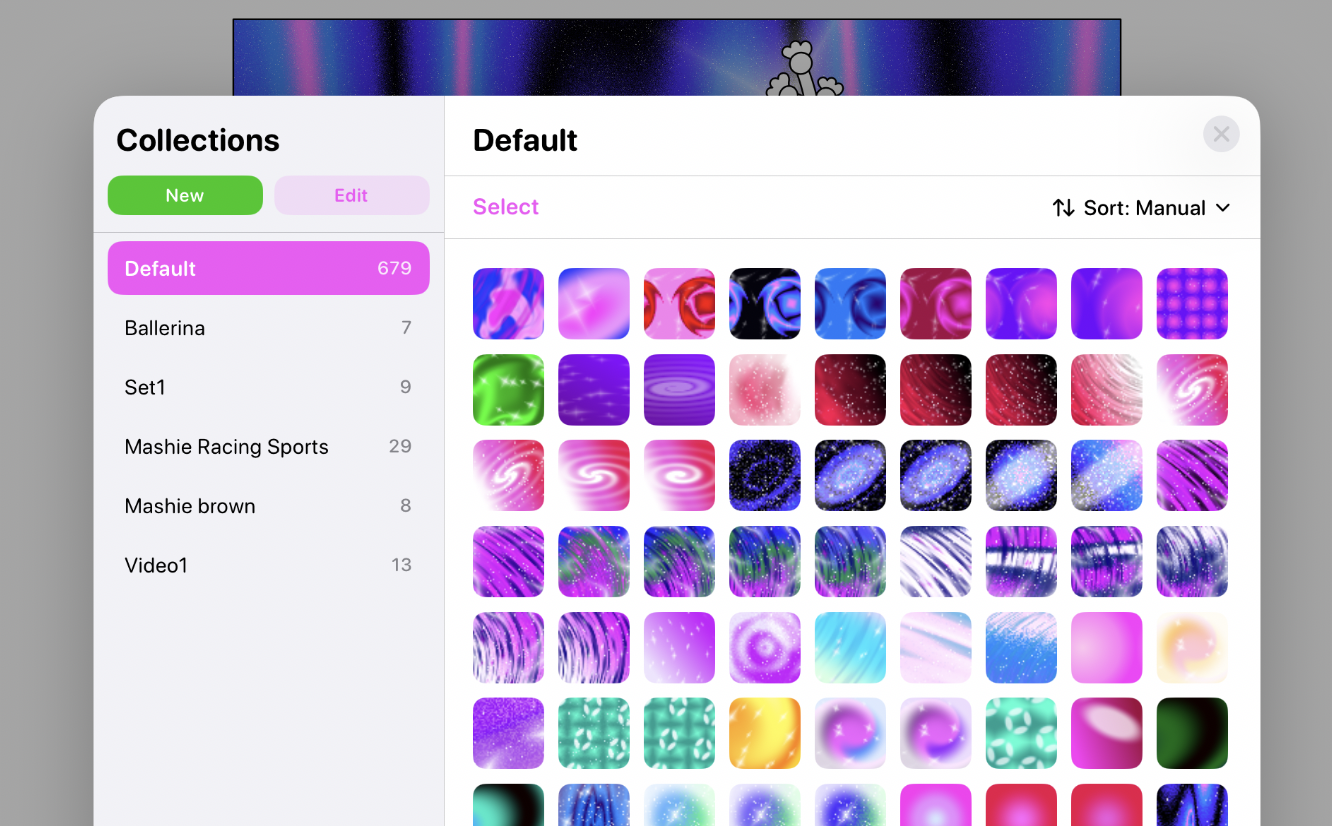
Save every solid, gradient, and pattern you create into your own collections. Organize your favorites and reuse them across any piece, anytime.

Community

Community

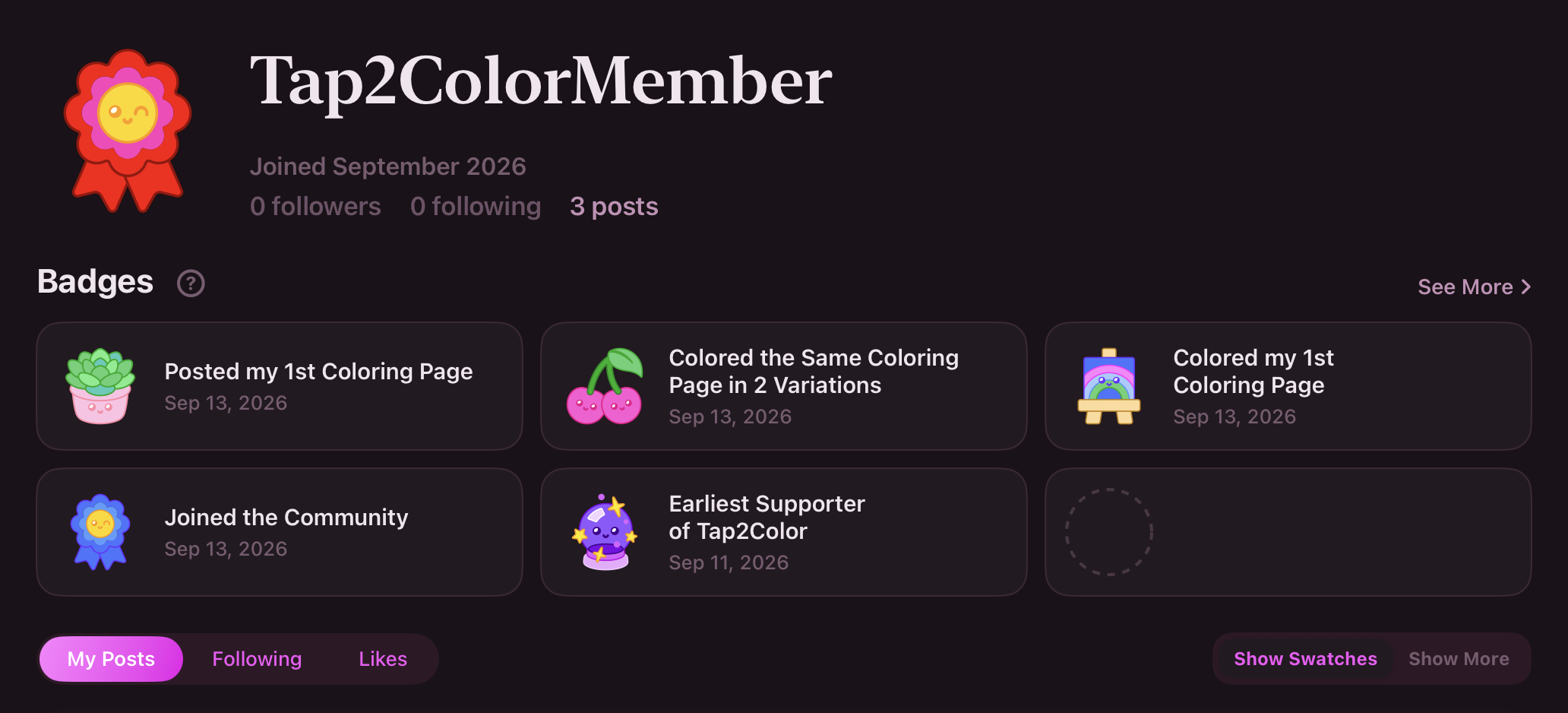
Post your colored pages to a public gallery, like the pages you admire, and follow the colorists you love. For subscribers.

Community Swatch

Community Swatch

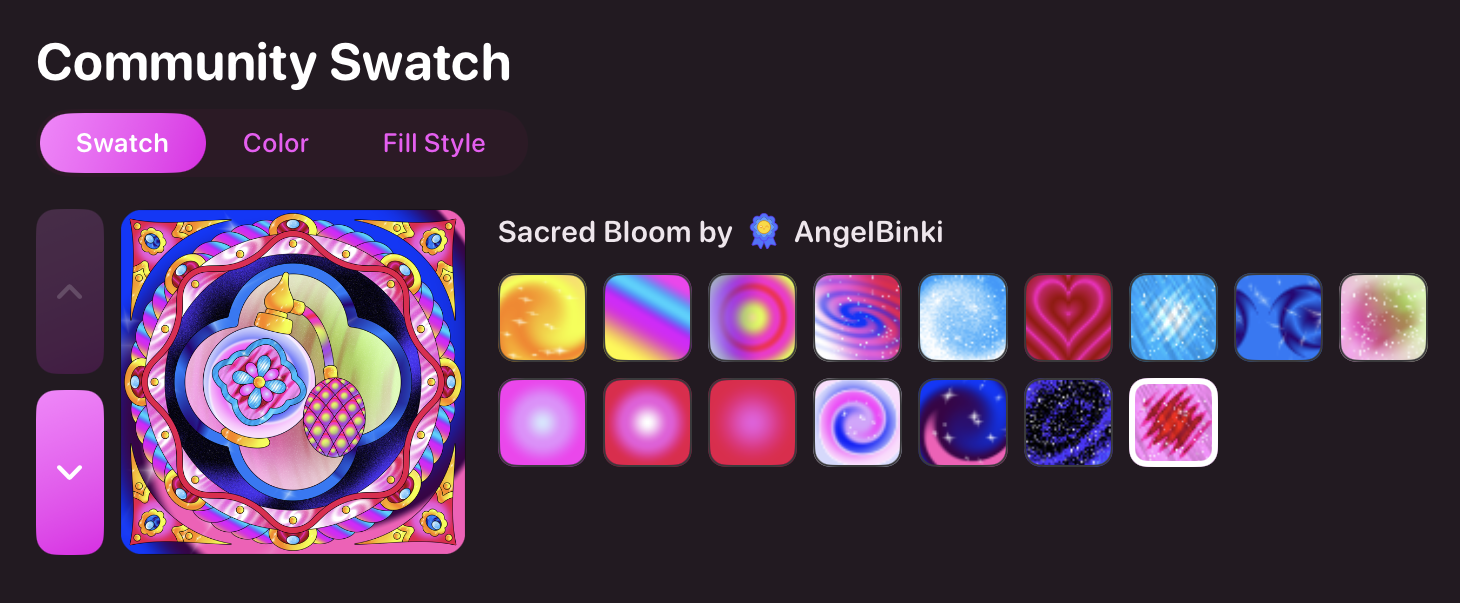
Collect the swatches from any post into your own iPad and color with them. Every post shows exactly the swatches its colorist used.